
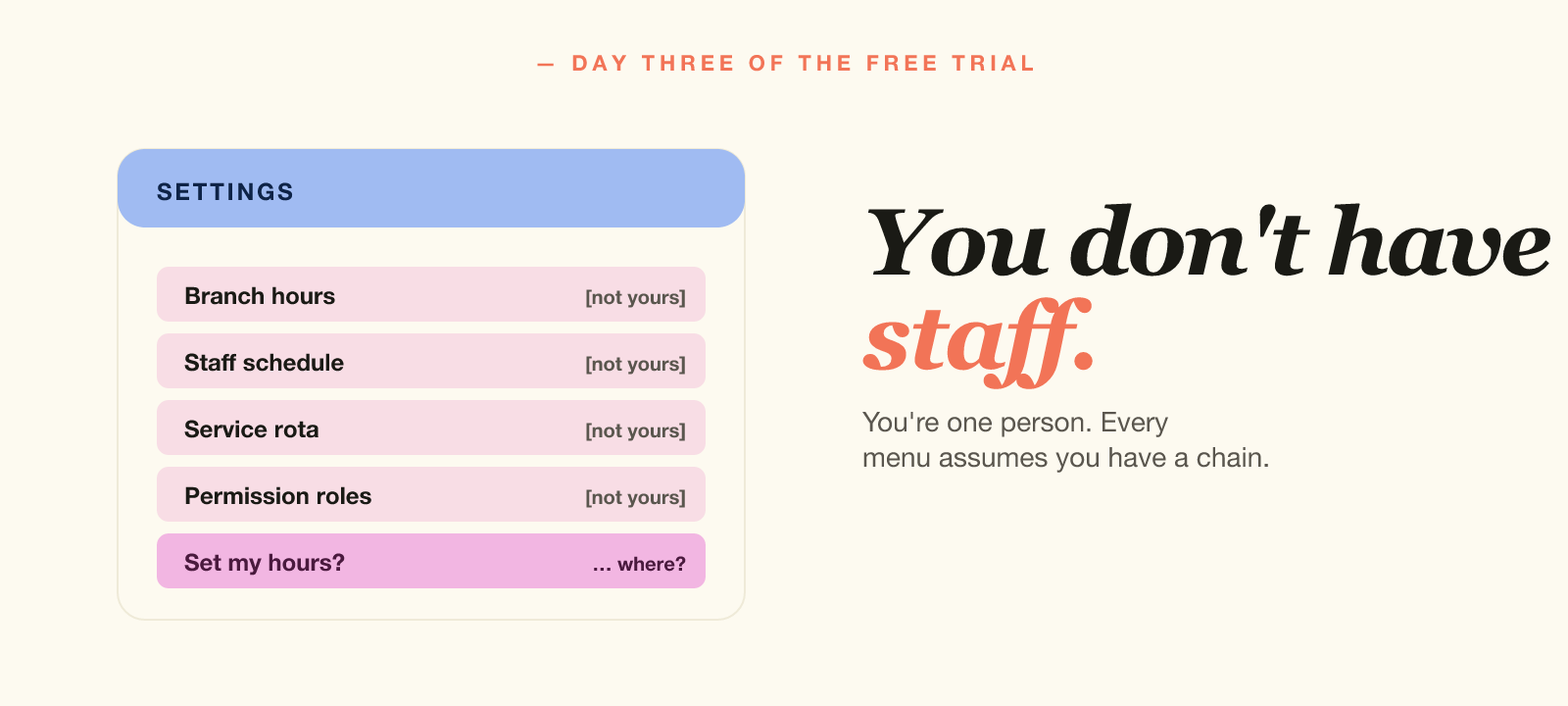
Day three of the studio management software trial. You are still hunting for where to set your hours. Instead you find a "branch hours" menu, a "staff schedule" menu, a "location settings" page and a "service rota" tab. But you have no branches. You have no staff. You are one person.
You close the laptop and decide to do it tomorrow.
This is what happens when software for the eight-room city-centre salon reaches the solo operator in a converted spare room. The features are not wrong. They are simply not yours.
Most names you have heard target multi-location chains first. Vagaro, Mindbody, Booksy and Phorest all began there. Then solo owners adopted them, because nothing else existed. So the result asks a one-chair salon to think like a franchise. The National Hair & Beauty Federation represents thousands of exactly these small operators.
Why most studio management software targets chains
The platforms dominating this market all target one customer. That customer runs a multi-site salon. So they employ an operations manager, a front-desk team and a finance person.
Solo owners adopt them anyway, because they are well known and well marketed. They are also the obvious result when you search. But the fit never suited anyone working alone.
- You don't need staff commission tracking — there's one of you.
- You don't need multi-location reporting — you have one room.
- You don't need permission roles — there's nobody else to permit.
- You don't need a product inventory module — you sell time, not bottles.
And yet every screen carries these things. Every onboarding video assumes a manager and a chain. Meanwhile every support article opens with "first, navigate to your branch settings."
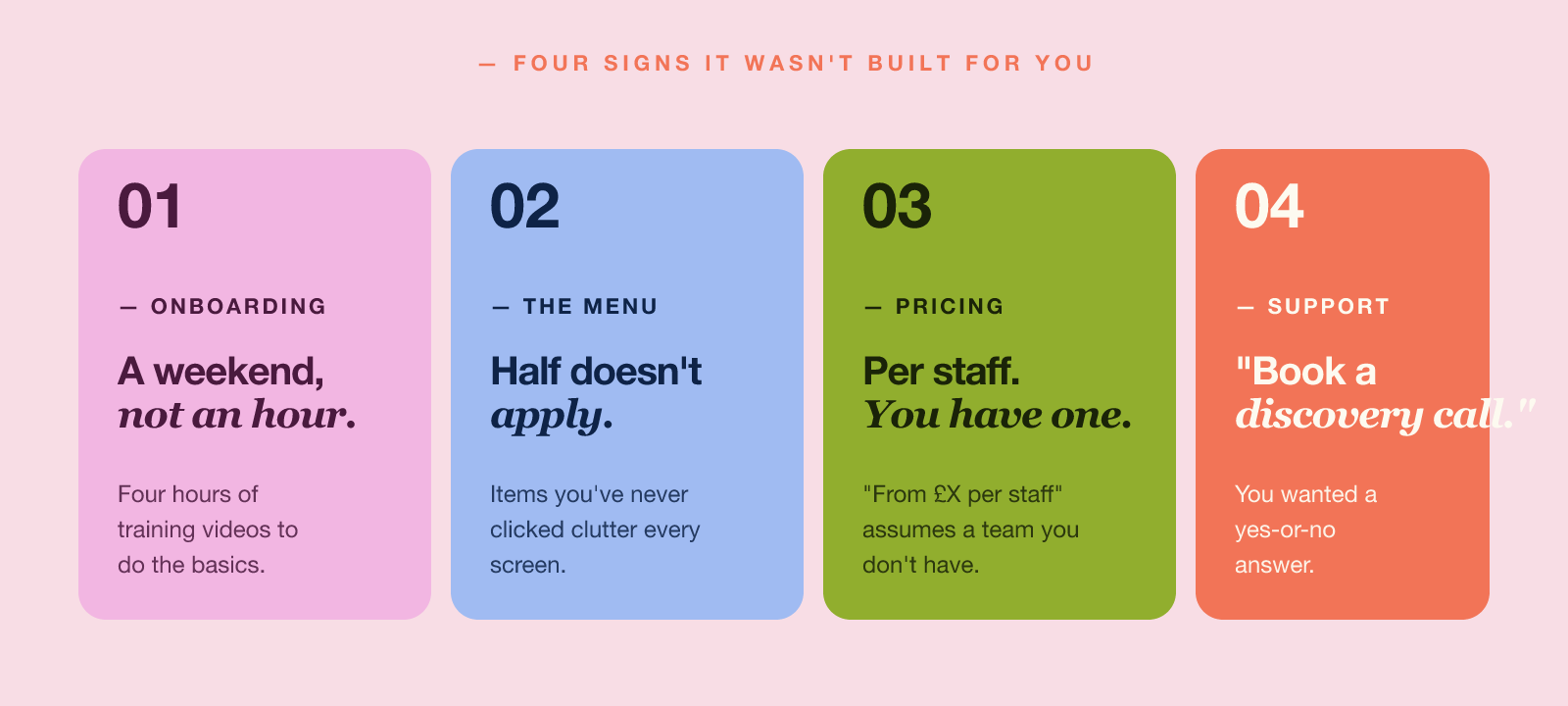
The four signs your software wasn't built for you
Here's how to spot it.
1. Onboarding takes a weekend, not an hour
If setup needed four hours of training videos, the software never had you in mind. After all, you do the work alone.
2. Half the menu doesn't apply
Open the dashboard, then count the menu items you have never clicked. If that number passes half, the tool's centre of gravity sits somewhere else.
3. Pricing is per-staff (and you only have one)
"From £X per staff member per month" sounds reasonable enough. Then you notice the entry plan still assumes three people. Meanwhile the flat-fee version hides two pages deeper, or simply does not exist.
4. Customer support assumes you have an "operations manager"
You email a billing question. Back comes "your dedicated success manager" with a link to a 30-minute discovery call. But you wanted a yes-or-no answer.
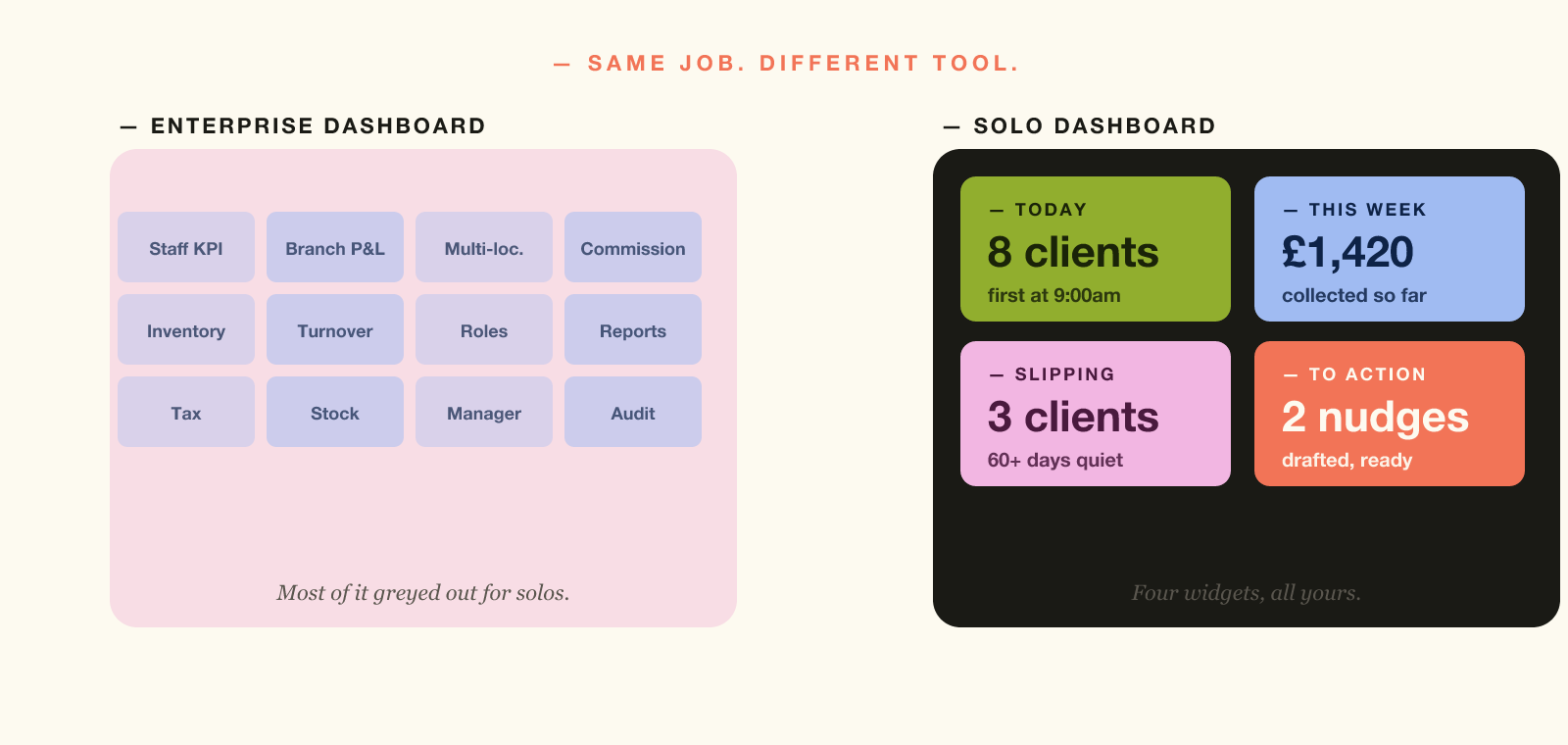
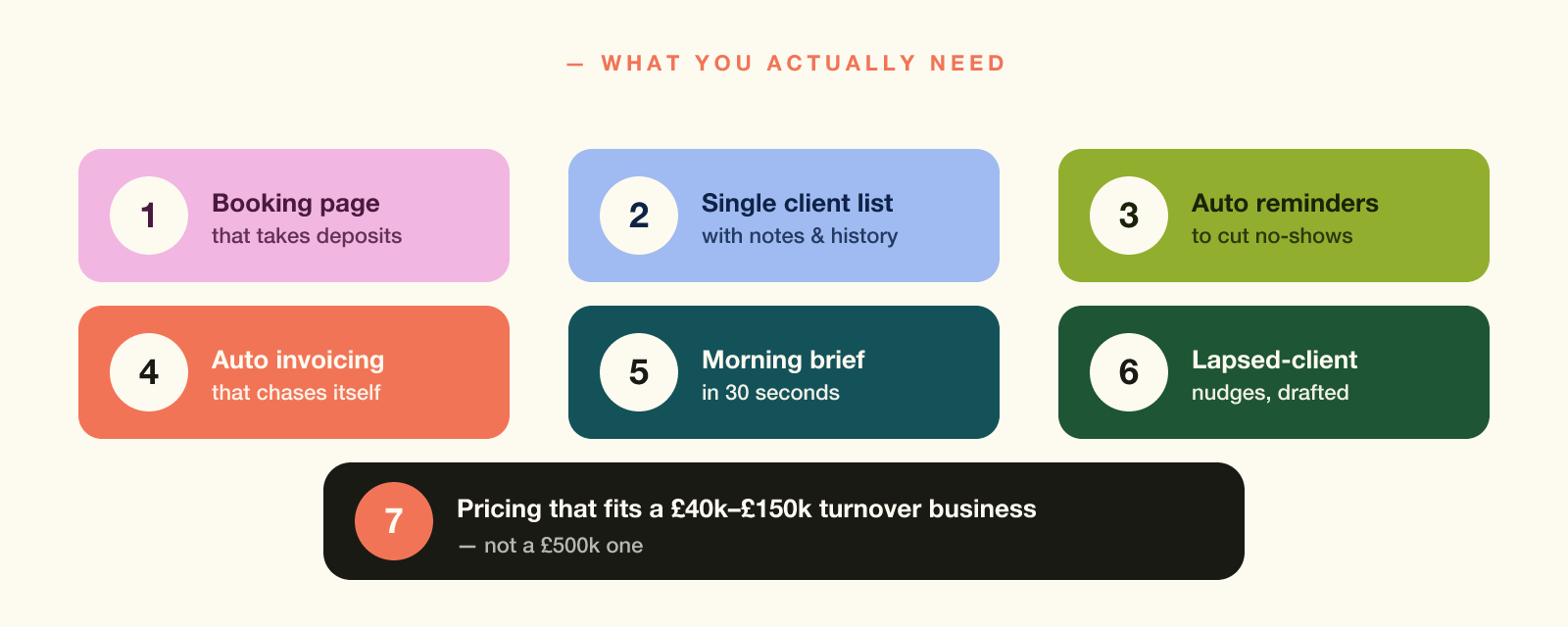
What studio management software should do for a solo
The list is shorter than the enterprise platforms suggest.
- A single, simple booking page that takes appointments.
- A client list holding names, contact, history and notes in one record. Since those notes are personal data, the ICO expects you to secure them.
- Automated reminders before appointments to cut no-shows.
- A clear record of who has paid, kept digitally. Since April 2026 Making Tax Digital has required digital records above £50,000.
- A morning summary so you know what to focus on without opening five tabs.
- A way to nudge lapsed clients before they go quiet for good.
- Pricing that fits a £40k–£150k turnover business, not a £500k one. Note the £90,000 VAT threshold sits inside that range.
That is it. Everything else on an enterprise dashboard is decoration. At least the subscription counts as an allowable expense when you file.
Here is the part people miss. You do not grow into the enterprise features later. Solo service businesses rarely become 50-staff chains. Instead they stay small on purpose. So the software you adopted in year one is still oversized in year five. You are not growing into it. You are paying for someone else's complexity, monthly, forever. The Federation of Small Businesses tracks how those fixed costs weigh on firms this size.
Less is more — the right less
"Built for solos" does not mean stripped-down enterprise software. That merely buries the same complexity two clicks deeper. Instead it means a tool centred on the one-person calendar. Every screen, default and workflow assumes that customer.
"The right software for a solo business does 80% of what the enterprise platform does, with no learning curve. It costs less because it's built for less complexity, not because it's worse."
That difference shows up in everyday use.
- You set up in under an hour, not over a weekend.
- Your dashboard fits on one screen with no scrolling.
- Your support team replies in plain English, not jargon.
- You pay one flat monthly fee, not "starting from £X per staff."
What to look for when you switch
- Can you set up in under an hour, with no consultant?
- Is the pricing flat — or does it scale with staff you don't have?
- Does the booking page look like your brand or like the platform's?
- Does it raise invoices automatically, or is that a separate tool?
- Can it tell you who hasn't been back in 60 days, by default?
- Does the support team answer the question, or book you a call?
Answer yes to most of those and the software genuinely fits you. Answer no and you are looking at enterprise software in a smaller font.
You started this business to work your way. Your pace, your kind of client. So your software should match that decision rather than fight it. When registering, HMRC treats you as a sole trader, and Self Assessment still expects clean records. Choose the tool that makes both easy.
Common questions
Is Aasure an alternative to Vagaro or Mindbody?
Aasure suits independent practices rather than multi-location chains. The defaults assume one owner running the place. But the plans carry a team: Growth covers up to seven staff, and Scale up to 20. So if you pay for chain software and use a third of it, this is the switch.
I'm a solo operator — am I too small for software like this?
Aasure is designed for exactly this profile. The interface, defaults, and pricing are tuned for one-chair salons, sole-practitioner therapists, and freelance personal trainers. Nothing assumes a head office or a second branch. And if you add chairs later, the plan grows with you.
Can I switch from another platform mid-year?
Yes. Most owners move during a quieter week. Then they keep the old platform live for a month while regulars rebook. Once 80% of regulars are on the new system, the old subscription gets cancelled.
How healthy is your solo business?
Take the free 2-minute Solo Business Health Score. Twelve questions, a score out of 100, and a clear breakdown of what's working and what's leaking.
Take the assessment Or read: GDPR for Private Practice Therapists →